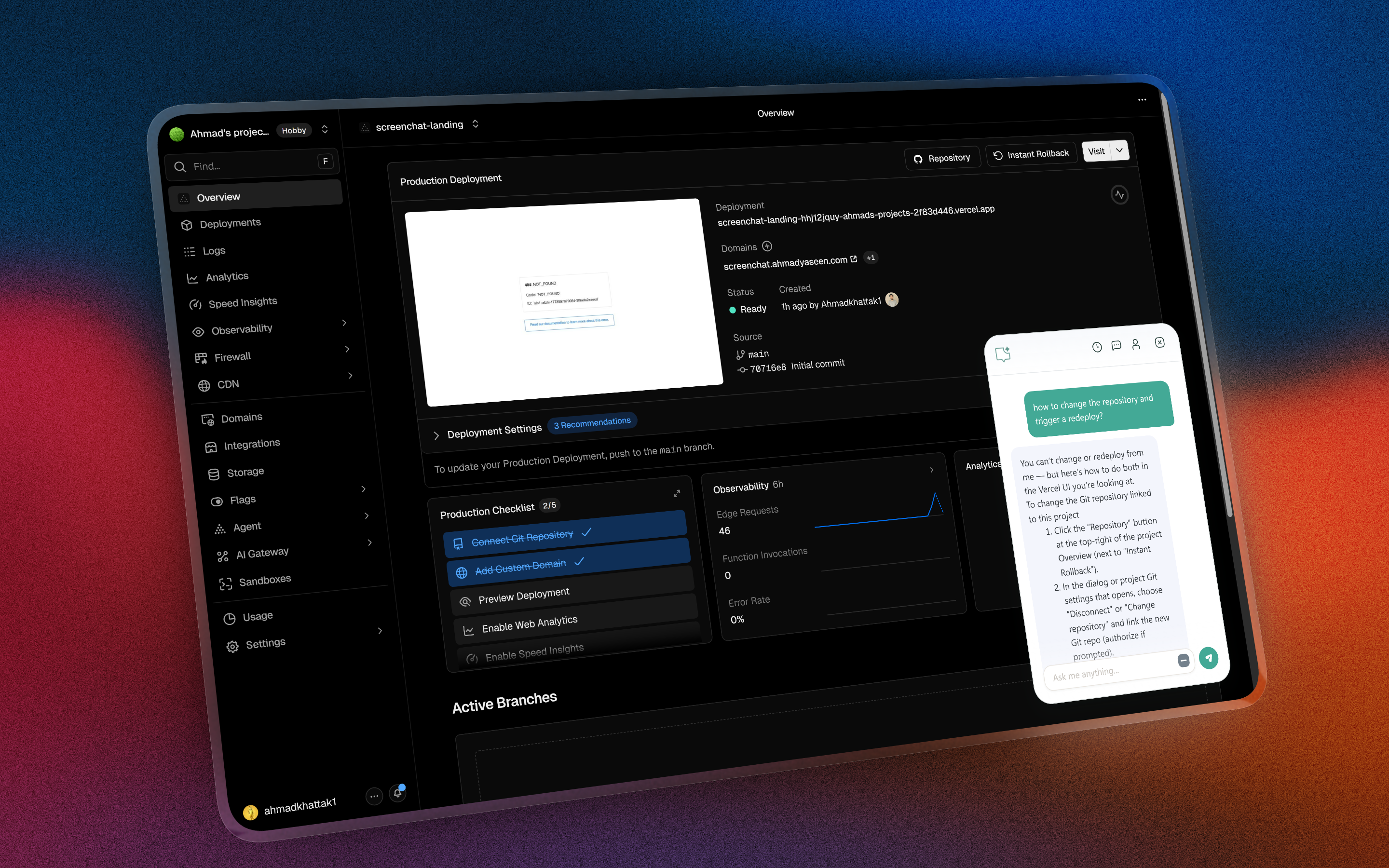
Ask AI without switching tabs.

Hit Ctrl+Shift+Y and ScreenChat opens right where you are.

Get unstuck in three moves.

Ctrl Shift Y

Hit the shortcut.

ScreenChat opens instantly.

How can I help with this page?

Ask in place.

No new tab. No setup.

Can you summarize this section?
It outlines the main point and the next thing to notice...

See the answer.

The reply shows up on the same page.

Turn a blank email into a first draft.

Need to follow up fast? Ask ScreenChat for a clean draft while the compose window is still open.

ScreenChat app screenshots.

Screenshot 1: Ask on-page.

Open ScreenChat and ask without leaving your current tab.

ScreenChat panel opened on a webpage with a prompt ready to send.

Screenshot 2: Keep answers in view.

Get replies next to your work so you can keep moving.

ScreenChat showing a generated answer beside the active webpage.

Get AI on the page itself.